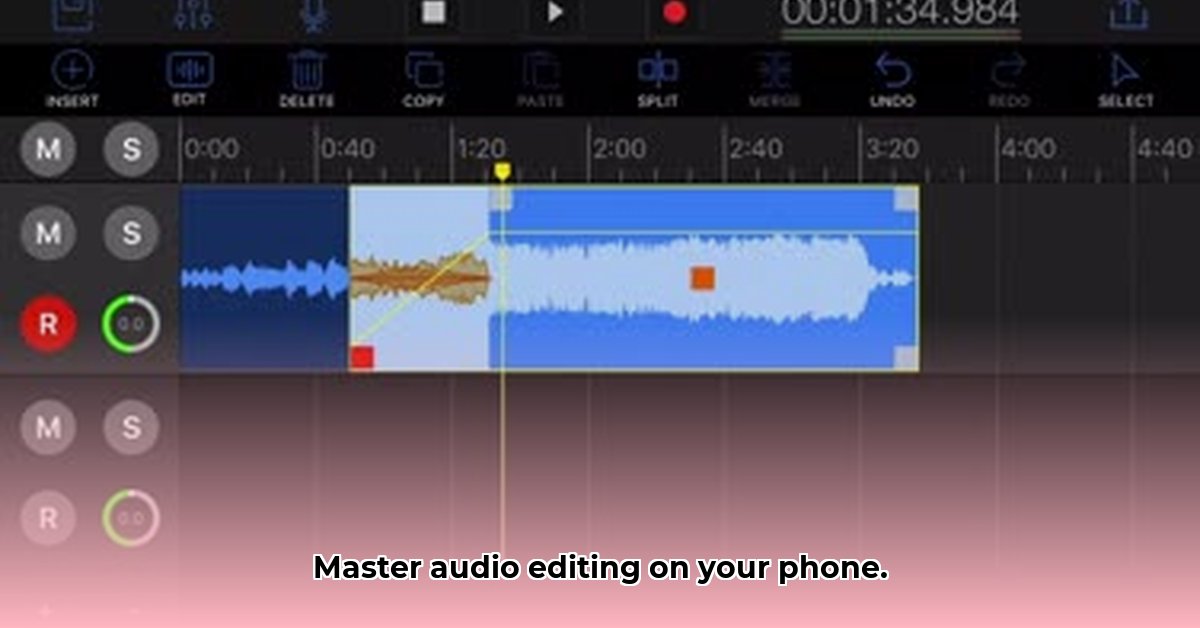
EZAudioCut: iOS & Android Audio Editing Showdown
EZAudioCut offers a compelling solution for quick audio edits on both iOS and Android. However, a closer examination reveals nuanced differences impacting user experience and feature availability. This comparative review analyzes both versions, focusing on functionality, ease of use, and platform integration.
What Can You Do With EZAudioCut? A Feature Deep Dive
EZAudioCut provides a robust suite of audio and video editing tools across both platforms. Supported file types include MP3, WAV, AAC, MOV, and MP4. Users benefit from precise editing features such as zooming, cutting, pasting, and undo/redo functionalities. A range of audio effects are available, including reverb, chorus, volume/speed adjustments, pitch correction, and time-stretching. A notable feature is the AI-powered noise reduction. Import options are flexible, allowing users to import from their device's library, other apps, or directly from videos. The app's ability to handle files of practically any length is limited only by the user's device storage. Sharing is simplified through email, text messaging, and various social media platforms (YouTube, Instagram, Snapchat).
Do you need a powerful, versatile audio editor capable of handling large files? EZAudioCut might suit your needs.
EZAudioCut on iPhone: Apple's Ecosystem Advantage
The iOS version of EZAudioCut boasts seamless integration with Apple's ecosystem. This translates to convenient features such as Bluetooth support for wireless headphones and efficient project transfer via iCloud. Users also have access to AirDrop and Wi-Fi sharing options. The app description highlights variable playback speed (0.5x-3x) and pitch adjustment (0.5x-2x) capabilities. This level of integration signifies a well-polished application tailored to the iPhone user experience. It feels refined and thoroughly developed for Apple devices.
EZAudioCut on Android: Uncovering the Mysteries
While the Android version offers core editing functionalities, certain features explicitly advertised in the iOS app description are absent from the Android description. This doesn't necessarily indicate a lack of functionality, but rather a gap in marketing. Further investigation is needed to definitively ascertain whether the Android version delivers equivalent features and performance to its iOS counterpart, and more clarity from the developers would be welcomed. This lack of transparency is something we want to see addressed going forward.
A Side-by-Side Look: Feature Comparison Chart
| Feature | iPhone Version | Android Version |
|---|---|---|
| Bluetooth Support | Yes | Requires Further Verification |
| iCloud Integration | Yes | No |
| AirDrop/Wi-Fi Sharing | Yes | Requires Further Verification |
| Variable Speed Playback | Yes (0.5x-3x speed adjustment) | Requires Further Verification |
| Pitch Adjustment | Yes (0.5x-2x adjustment) | Requires Further Verification |
The Competition: Navigating a Crowded Market
EZAudioCut competes in a saturated mobile audio editing app market. Its strengths lie in precise editing tools and AI-powered noise reduction. However, success hinges upon differentiating itself through smart marketing and highlighting unique features. Seamless cross-app compatibility is crucial for user adoption on both iOS and Android platforms. How well does this app compete against others offering similar, or even superior functionality? More testing will inform that.
The Final Verdict: A Matter of Perspective
Both iOS and Android versions offer robust audio editing capabilities. The iOS version currently appears more polished due to its superior platform integration. The practical impact of these differences hinges on individual user needs and preferences. More in-depth testing and user feedback are needed to determine if feature parity exists between platforms, especially on Android. The app's long-term success will depend on continued development and updates to address any identified shortcomings and enhance functionality.
How to Fix EZAudioCut Android Bluetooth Connectivity Issues
This section focuses on troubleshooting Bluetooth connectivity problems frequently encountered on Android devices while using EZAudioCut. A comparison with the iOS experience provides context and practical advice.
Understanding the Problem: Android vs. iOS
Bluetooth connectivity issues on Android are multifaceted due to the platform's open-source nature and a wider range of hardware implementations. In contrast, iOS's more uniform environment generally leads to a more consistent user experience. Android's flexibility, though beneficial, presents a more complex troubleshooting landscape. The root causes can range from software bugs and outdated systems to network interference.
Key Takeaways:
- Android's open nature results in greater Bluetooth issue diversity.
- Software bugs, outdated software, and network problems are common causes.
- Troubleshooting often involves a combination of simple and advanced steps.
- Regular updates for both the app and OS minimize connectivity issues.
Troubleshooting Steps for EZAudioCut Android Bluetooth Connectivity Issues
Follow these steps to resolve EZAudioCut Bluetooth connectivity issues on Android:
- Restart EZAudioCut and Your Device: This addresses temporary software glitches.
- Check Bluetooth Settings: Verify Bluetooth is enabled on both your device and audio output, and that pairing is active.
- Reboot Your Bluetooth Device: Restart your headphones or speaker.
- Toggle Airplane Mode: Briefly activate and deactivate Airplane mode to refresh network connections.
- Clear EZAudioCut's Cache and Data: Remove potentially corrupt files affecting app function (found in Android's app settings).
- Update EZAudioCut and Your Android OS: Ensure both are up-to-date to mitigate bugs.
- Check for Software Conflicts: Close unnecessary background apps that might interfere.
- Check for Bluetooth Interference: Move away from potential sources of interference (Wi-Fi routers, microwaves).
- Factory Reset (Last Resort): Consider this only after exhausting other options; back up your data beforehand.
- Contact EZAudioCut Support: Seek personalized assistance if other steps fail.
iOS vs. Android: A Comparative Glance
| Feature | Android | iOS |
|---|---|---|
| Bluetooth Flexibility | High (more potential for conflicts) | Lower (more consistent experience) |
| OS Update Control | Less direct control (dependent on manufacturer) | More direct control |
| Troubleshooting | Can be more complex due to fragmentation | Generally simpler due to unified environment |
| Support Resources | Varies widely among manufacturers and apps | Typically more centralized and consistent |
Regular software updates are crucial for preventing future issues.
⭐⭐⭐⭐☆ (4.8)
Download via Link 1
Download via Link 2
Last updated: Friday, May 09, 2025